CodeMeter Licensing
Version Updates
Updating the CodeMeter runtime often leads to problems. We strongly advise to uninstall previous versions of CodeMeter before installing a different version.
The current version can be obtained from the manufacturers website. Currently located at: https://www.wibu.com/support/user/user-software.html
Wrong Certified Time
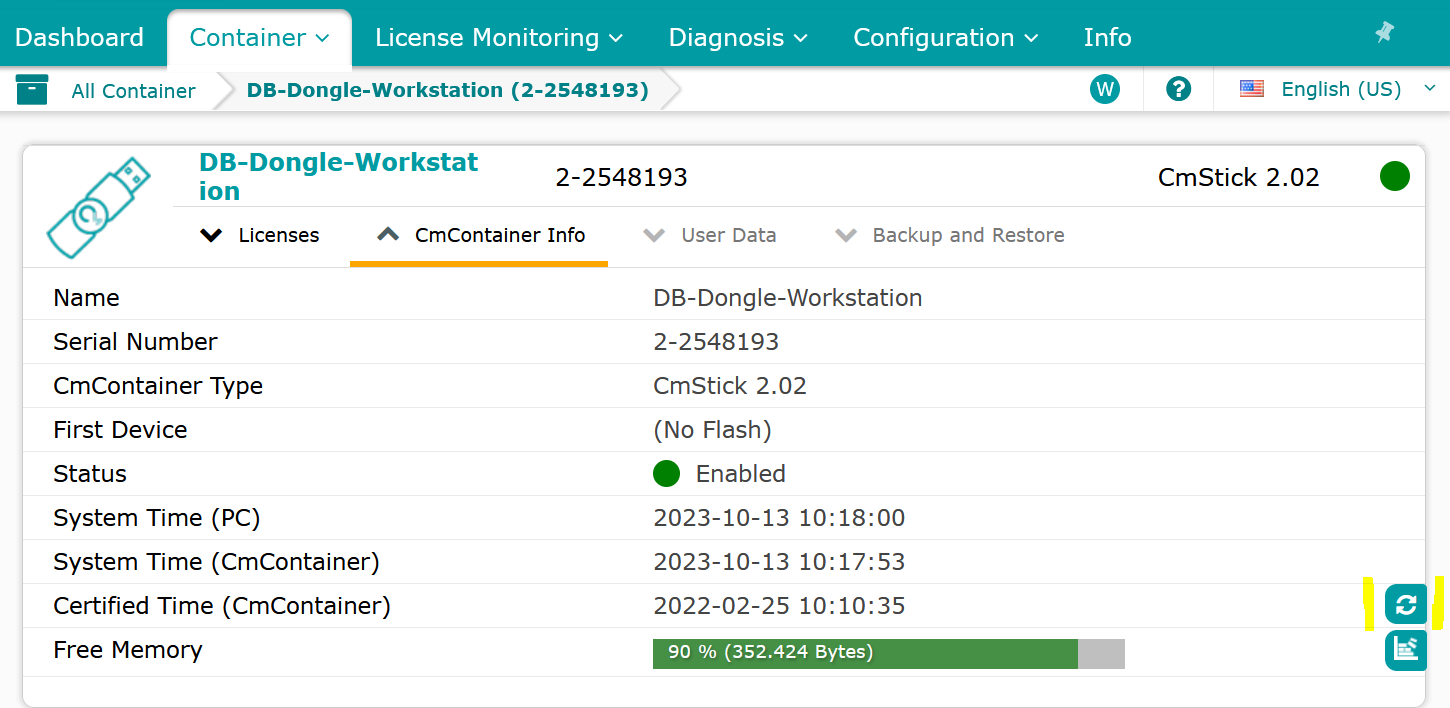
Sometimes the dongle seems to be confused about the current date and time. This can be fixed using the WebAdmin tool. Right click on the CodeMeter tray icon and select WebAdmin. Select the Container information page and inspect the three displayed times.
Usually updating the Certified Time (CmContainer) resolves such issues.
Update Error
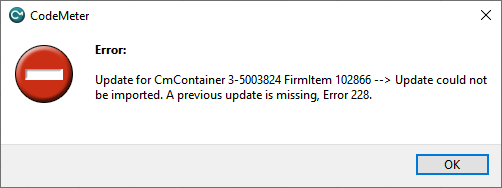
The error message “A previous update is missing, Error 228” indicates that a previous update is missing, which makes it impossible to proceed with the current update. In this case, it is recommended to generate a new license request and send it by email to license@domeprojection.com.